How to Choose a Printer for a Shared Aussie Household
Four flatmates, six devices and one printer that jams on page three. Work out what your household actually prints before you spend a cent on specs.

5 min read
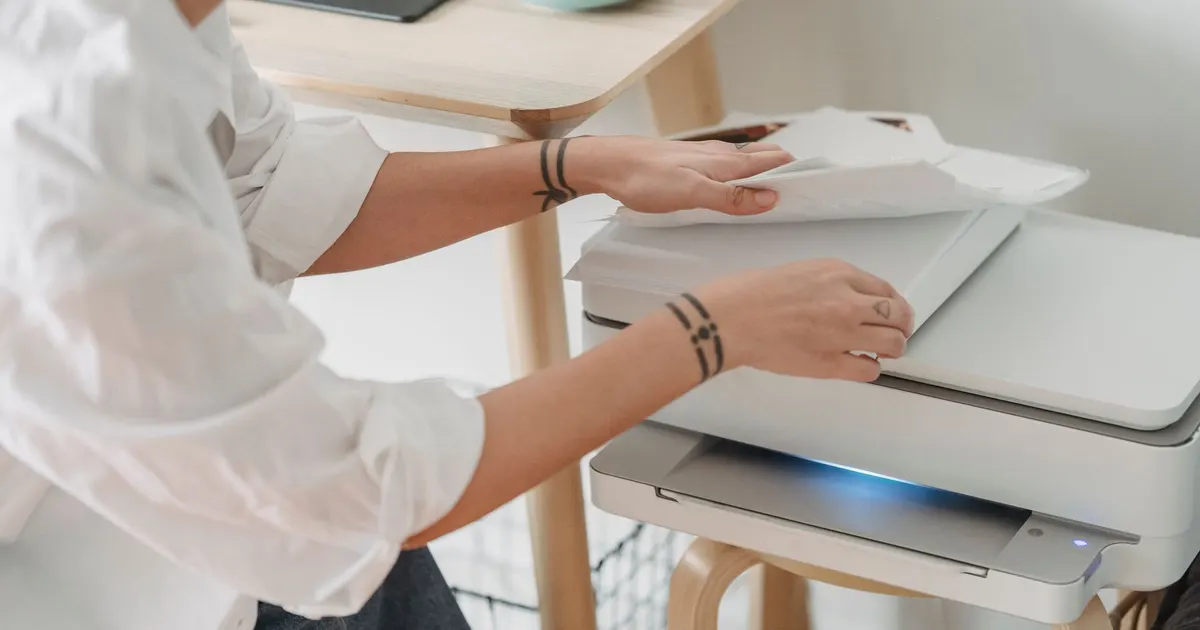
Photo: George Milton / Pexels
Start with the queue, not the printer
Every shared house has the same origin story. Someone buys a printer, everyone else adds it to their phone, and within a month it's sitting under a layer of dust with a half-used cartridge and a paper jam from last summer.
The fix is to spend ten minutes working out what your household actually prints before you look at specs.
| Household type | Typical jobs | What it demands |
|---|---|---|
| Sharehouse of 3–5 adults | Boarding passes, rental applications, uni readings, the odd form | Low volume, high device count, occasional colour |
| Family with school kids | Assignments, notes, colour posters, permission slips | Medium volume, colour, scanning |
| Mixed (WFH plus kids) | Contracts, invoices, homework, photos | Higher volume, duplex, document feeder |
| Couple, low use | Tax documents once a year | Whatever jams least |
Most Australian sharehouses sit in the first row. That matters, because the cheapest machine to buy is rarely the cheapest to run.
Match the machine to the volume
Inkjet
Fine for colour, photos and light use. The catch: if you print fewer than a handful of pages a week, the print head can dry out. An inkjet that sits idle through a dry Melbourne winter or a hot Perth summer with the aircon running is a science experiment by spring.
Mono laser
Faster, sharper text, and toner doesn't dry out. If your house mostly prints forms, essays and tickets, a mono laser is the least dramatic option. No colour, though, and someone will want colour.
Tank-style inkjet
Refillable reservoirs instead of cartridges. Higher upfront, much lower cost per page, and they handle colour well. The best fit for a household that prints regularly but not heavily.
The ink question, honestly
This is where shared households bleed money. Four things to check before you buy:
- Number of cartridges. A tri-colour cartridge means replacing cyan, magenta and yellow together because one ran dry. Individual tanks are better.
- Cost per page, not cost per cartridge. A cheap cartridge with a tiny yield is expensive. Find the yield figure and do the division.
- Subscription ink plans. They suit households that print a predictable number of pages a month. They punish households that print nothing for six weeks and then print a uni assignment the night before it's due. Read the rollover rules before anyone signs up.
- Who pays. In a sharehouse, decide up front whether ink comes out of the household kitty or the person who prints the most. Arguments about a magenta cartridge have ended friendships.
Also check whether the printer accepts refilled or third-party cartridges without sulking. Some lock you in.
Wireless that works with six phones
Setup is where shared households fall over. Practical notes:
- The 2.4 GHz band. Most printers only speak 2.4 GHz. If your NBN router splits 2.4 and 5 GHz into separate names, connect the printer to the 2.4 one, or phones sitting on the 5 GHz band may never see it.
- Guest networks. Many routers isolate guests from each other, so a printer on the guest network often can't be found by anyone. Put it on the main network.
- Wi-Fi Direct. Handy when the router is being difficult or a visitor wants to print without joining. Treat it as a fallback, not a plan.
- Ethernet. If the printer lives near the router, a cable deletes an entire category of problem.
- Rename the printer. A default name in a house of five people is chaos. Call it "Lounge Printer" so nobody sends a document to the neighbour's machine.
- Static IP or a DHCP reservation. Stops the printer vanishing from everyone's phone after a router reboot.
Phone and laptop support
Check that the printer works with the built-in print menus on both iPhones and Android phones, plus Windows and Mac laptops. If half the house is on Android and half on iPhone, you want both covered without installing anything on anyone's device.
Features worth having in a shared setup
| Feature | Why it matters in a sharehouse |
|---|---|
| Automatic duplex | Halves paper use and makes double-sided the default |
| Document feeder | Scan a multi-page lease or assignment without lifting the lid each time |
| Flatbed scanner | Passports, IDs, odd-sized forms |
| Decent paper tray | Fewer "who took the paper out" incidents |
| PIN or secure printing | Your tax return doesn't sit in the output tray for an hour |
| Touchscreen | Housemates can clear a jam without texting you at work |
Skip the photo-specific trays, the apps nobody opens, and anything with a screen bigger than the job requires.
Where it lives
Heat, humidity and dust are the quiet killers. Don't park a printer:
- in a garage or shed that swings between cold mornings and forty-degree afternoons
- directly under a west-facing window in summer
- next to the kettle or anywhere steam collects
- on carpet, where it sucks in dust and fluff
A ventilated shelf at waist height, out of direct sun, on a power point that isn't shared with a heater, is the boring correct answer. Keep paper sealed: humid Brisbane air curls sheets and causes misfeeds, and dry heated air does the same thing in July.
A five-minute buying checklist
- Count the devices that will connect.
- Estimate pages per month, honestly, including the school-term spike.
- Decide colour or mono.
- Compare cost per page, not cartridge price.
- Confirm 2.4 GHz Wi-Fi and support for both phone platforms.
- Check duplex and whether anyone actually needs a document feeder.
- Measure the shelf before you buy.
The one thing I'd change
If I could change one thing about how shared households buy printers, it would be this: buy for the month you'll actually have, not the month you imagine. A household printing a dozen pages a month does not need a colour laser with a document feeder, and a house of five uni students does not need a machine that punishes them on every page.
Pick the boring middle, put it somewhere dry, and name it something everyone can find.