How to Get More Value from HP Ink and Toner in Australia
Ink and toner can quietly drain your wallet. Here's how to get more pages from every cartridge without compromising on quality.

5 min read
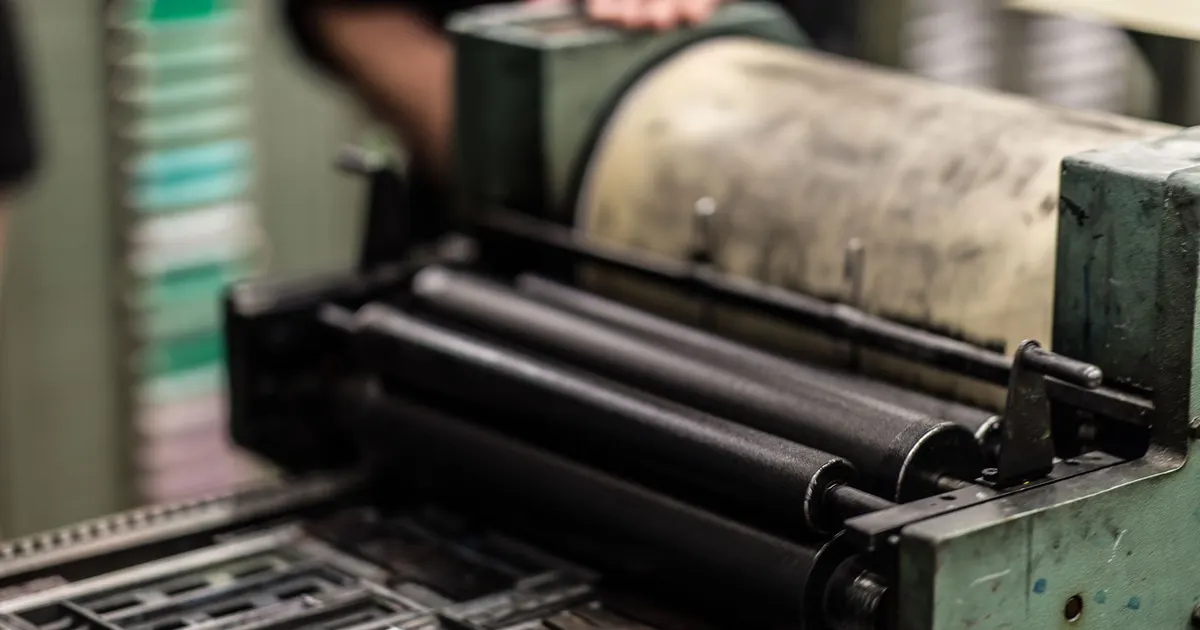
Photo: Wendelin Jacober / Pexels
Ink and toner are the classic razor-and-blades model. You buy a printer cheaply, then pay for cartridges for years. In Australia, where we deal with heat, humidity and a love of printing everything from school forms to tax receipts, getting more value from each cartridge is part practical, part habit. This guide covers cartridge care, print settings, buying habits and recycling options so you can stretch every drop.
Understand what you're actually paying for
Page yield vs. cartridge price
Cartridges are rated by page yield, usually based on a standard test with light coverage. That's a mostly blank page with a small logo. If you print photos or dense documents, you'll get far fewer pages. The headline yield is a best-case scenario, not a promise.
The real cost per page
Divide the cartridge cost by the realistic yield for your printing. That's your true cost per page. It's the only number that matters when comparing cartridges. A cheaper cartridge with a lower yield can cost more per page than a high-yield one. Keep a note of how many pages you actually get from each cartridge — after a few cycles, you'll know your true numbers.
Care and storage tips for longer cartridge life
Keep them cool and dry
Australian summers can be brutal. Ink and toner don't like extreme heat or direct sunlight. Store spare cartridges in a cool, dark cupboard, not in the garage or car. Humidity can also cause clumping in toner and drying in ink. If you live in a humid area — say, coastal Queensland or the Northern Rivers — consider a sealed container with a desiccant pack.
Don't shake unless you have to
Shaking a toner cartridge can redistribute the powder and give you a few more pages, but it can also cause leaks and uneven prints. Do it gently and only when you see fading. For ink, never shake — it can create bubbles that clog the printhead.
Print regularly
Inkjet printheads can dry out if unused for weeks. Print a test page or a small document once a week. This uses a tiny amount of ink but prevents clogging, which wastes far more ink during cleaning cycles. If you're going away for a month, run a nozzle check before you leave and again when you return.
Print settings that stretch every cartridge
Draft mode is your friend
Most printers have a draft or econo mode. It uses less ink and prints faster. For internal documents, school notes, or anything you'll read once, it's fine. Switch to normal or best only for final copies.
Grayscale and duplex
Printing in grayscale uses only black ink, saving colour cartridges. Duplex (double-sided) printing halves paper use and can reduce ink slightly because you're printing two pages on one sheet. It also saves space in your filing cabinet.
Font and image choices
Some fonts use more ink than others. Light, standard fonts are thriftier than bold or decorative ones. For images, reduce the resolution before printing if you don't need photo quality. A 300 dpi image is fine for most documents; 1200 dpi is overkill. Also, avoid printing full-page background colours — they drink ink.
Buying habits that save money
Buy the right cartridge for your volume
If you print a few pages a week, a standard cartridge is fine. If you print daily, high-yield or XL cartridges cost more upfront but less per page. Do the math based on your actual printing. Don't buy a high-yield cartridge if you won't use it within its shelf life.
Avoid third-party risks
Third-party cartridges are cheaper, but they can void your printer warranty, leak, or produce poor quality. Some printers also reject them via firmware updates. If you go third-party, buy from a reputable supplier and keep expectations low. For critical documents, stick with genuine cartridges.
Watch for sales but don't hoard
Retailers often discount cartridges during back-to-school or end-of-financial-year sales. Buying one spare is smart. Buying five is not — cartridges have a shelf life, and ink can dry out. Check the expiry date if there is one.
Consider subscription services
Some manufacturers offer a subscription that ships cartridges automatically based on your printing. It can be good value if your printing is steady, but read the fine print. If you print in bursts, it may not suit.
Recycling and responsible disposal
Use manufacturer and retail recycling programs
Most major printer manufacturers and office supply retailers offer free recycling for used cartridges. You can drop them off at participating stores or post them via a satchel. These programs keep plastic and residual toner out of landfill.
What happens to recycled cartridges
They're disassembled. Plastics are recycled into new products, metals are recovered, and any remaining toner is safely disposed of or reused. It's a closed-loop system that reduces waste.
When to repair vs. replace your printer
If your printer is more than five years old and repairs cost more than a new printer, replace it. But if it's a simple paper jam or a clogged printhead, try cleaning cycles first. Many printers have a built-in cleaning function that can save a cartridge. Also check if your printer is still under warranty or if the manufacturer offers a repair service. Sometimes a new printhead is cheaper than a new printer.
The one thing I'd change
If I could change one thing about the ink and toner market, it would be standardised page-yield testing that reflects real-world printing. Until then, keep a spreadsheet of your own printing costs. Track how many pages you get per cartridge, and you'll quickly see which habits and settings give you the best value. It's the same approach I use for battery claims — measure, don't trust the box.