HP Store for Aussie Shoppers: What to Expect Before You Buy
Buying a laptop, printer or monitor straight from the manufacturer can save a lot of guesswork — or create it. Here's how the official HP online store works, what the range covers, and how to shop it sensibly from Australia.

5 min read
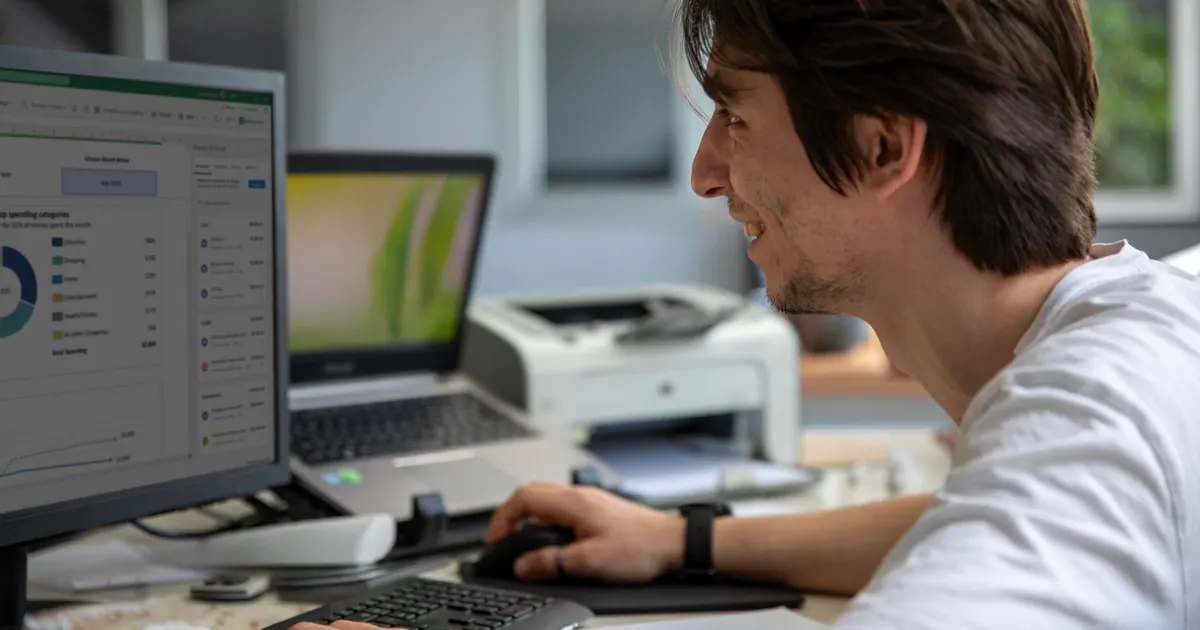
Photo: Serkan Dinç / Pexels
What the official HP online store actually is
If you've ever searched for a laptop and landed on a page that felt like it was written for someone in another hemisphere, you already know the drill. The official HP online store is a regional shop. It runs on a country and language selector, and whichever region you're browsing from shapes the catalogue you see, the support pages you're pointed to, and the warranty tools that sit behind your account.
So the first useful habit is boring but important: check the region selector before you fall in love with a configuration. It's the difference between reading the right spec sheet and reading someone else's.
The second thing to understand is that this is the manufacturer's own shop, not a marketplace stall. That matters for a few reasons. There's one throat to choke when something goes wrong, the support content lines up with the hardware you bought, and you're not trying to work out which of six similar listings is the real thing.
What it isn't is a showroom. You won't get to tap the keyboard or lift the lid, so if you're the kind of shopper who needs to feel the hinge before committing, plan a trip to a physical retailer first and buy where it suits you.
What the range covers
Laptops and desktops
The catalogue runs across everyday laptops, gaming PCs and business machines, plus desktops for people who want a screen that stays put. For most households the interesting split is between a machine that lives on a desk and one that gets thrown in a bag five days a week. If you're honest about which one you actually are, you'll halve your shortlist immediately.
Printers, ink, toner and paper
Printers, ink, toner and paper are all here, which is handy because it keeps the consumables and the hardware in one place. Worth knowing: HP also offers an ink delivery service that ships cartridges on a subscription-style basis. If your household prints in unpredictable bursts — a school form here, a return label there — it's worth reading how that model works before you decide whether it suits your habits.
Monitors, accessories, business solutions and services
Monitors and accessories round out the hardware side, and there's a business layer too: solutions, software and services aimed at organisations rather than single desks. Small operators often ignore that section and then pay someone else to sort out what's already sitting there.
Buying for home, study or a small business
For the household
Australian homes are hard on electronics. A Perth summer will cook a laptop left on a north-facing desk, coastal humidity and salt air are unkind to ports and hinges, and power that flickers during a storm is nobody's friend. None of that is a reason to avoid a particular brand — it's a reason to buy a surge protector, keep the machine off the floor, and not leave it in a hot car between errands.
If you're replacing a family machine, think about the whole ecosystem rather than the box: does the printer still have drivers, does the monitor have the right inputs, does anyone actually need a number pad?
For students
Uni semesters start in late February, school goes back in late January, and both arrive at the same time as the post-Christmas sales crush. Buying early beats buying in a panic. For students, the practical priorities are battery life, weight, and whether the thing survives being carried in a bag that also contains a water bottle. A cheap sleeve is better value than an extended warranty you'll never claim.
For a small business
If you're kitting out a few desks, the business side of the store is where the interesting stuff lives — machines built for a longer service life, plus software and services that make managing a handful of devices less painful. Buy the same model across desks where you can. It makes spare parts, chargers and troubleshooting dramatically simpler, and your bookkeeper will thank you at tax time when the paperwork is uniform.
Support, drivers and warranty
This is where buying direct earns its keep. HP's support resources cover drivers, troubleshooting, repair status and warranty management, which means you can chase a problem without digging through a drawer for a receipt from a shop that closed two years ago.
Three habits make that side of things much smoother:
- Register the device when it arrives, while the serial number is still easy to find on the bottom of the machine.
- Keep the tax invoice in your email, not just in a shoebox. You'll want it for a warranty claim and possibly for a deduction.
- Note the exact configuration you bought. If you ever need to match a dock, a charger or a second monitor, guessing gets expensive.
A pre-purchase checklist for Aussie buyers
- Set the region selector to Australia before you start comparing.
- Decide whether the machine is desk-bound or bag-bound, then stop looking at the other category.
- Check the ports against what you already own — nobody wants to discover they need an adapter on day one.
- For printers, work out your real monthly volume and whether you need scanning and double-sided printing.
- Measure the desk before buying a monitor. Big screens are wonderful right up until they don't fit.
- Factor in a surge protector, a decent bag or sleeve, and a can of compressed air for the dust.
- Read the support pages for the model you're considering — if the driver downloads look tidy and current, that's a good sign for the years ahead.
Who this is for
The HP store suits people who know roughly what they want, prefer dealing with the maker rather than a middleman, and value having drivers, repair status and warranty tools in one account. If you need to touch the keyboard before you buy, or you want the same-day certainty of walking out of a shop with a box, start at a physical retailer and come back here when you know your shortlist.
Some links on this page are affiliate links. If you buy through them we may earn a commission at no extra cost to you. Affiliate disclosure