HP Store Review: Laptops, Printers and Ink for Aussie Homes
The official HP online store is a tidy one-stop for laptops, printers and ink — as long as you check your region setting, your power adapter and your actual printing habits first.

6 min read
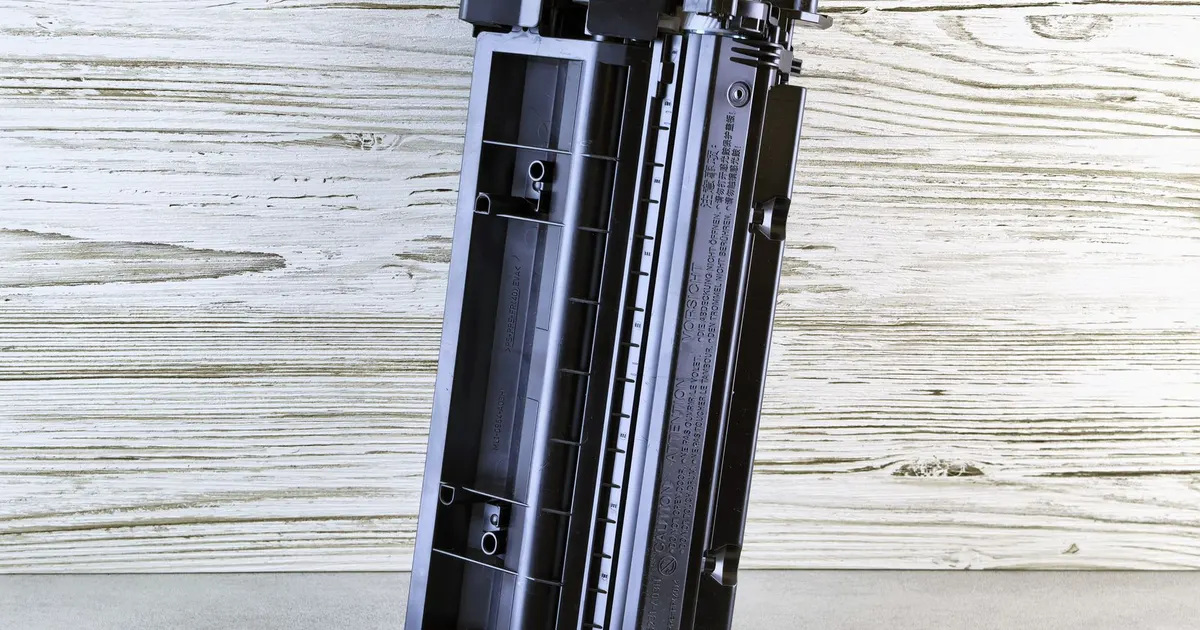
Photo: Andrey Matveev / Pexels
The short verdict
- Worth it if you've already settled on HP and want to buy from the official store rather than a marketplace listing that might not be there next month.
- Not worth it if you want to compare brands side by side, or you like pressing the keys in a shop before you commit.
- Do one thing first: set the site to your country and language. There's a selector for exactly that, and it changes what you're shown.
That's the review. Everything below is the detail that decides whether you're still happy with the purchase a year from now.
What you're buying into
The HP Store is the official HP online shop, so you're buying from the brand rather than from a reseller account that may or may not be trading next season. The catalogue covers laptops, desktops, printers, ink, toner, paper, monitors and accessories, and it extends into business solutions, software and services for anyone who's quietly turned a spare room into a real office.
Two things it isn't:
- It's not a comparison site. You won't see rival brands lined up next to an equivalent machine, so there's no side-by-side spec sheet to argue over.
- It's not a showroom. Nobody is handing you a unit to type on, and no one's checking the hinge for you.
For plenty of households that's fine. For a first laptop for a Year 7 kid, handle something in person first, then come back to the official store for the actual order.
Laptops: match the machine to the job
For uni and TAFE
- Prioritise memory over storage. A machine with more RAM will still feel usable in third year; a bigger drive won't fix stutter.
- Weight matters more than you think when you're walking to a tutorial in February heat with a water bottle in the other hand.
- Check the keyboard layout on the listing. You want the standard Australian layout, not a US one with the symbols in the wrong spots.
- Ports: at least one HDMI and a couple of USB-A saves you carrying a pouch of dongles to every group assignment meeting.
For a shared family machine
Screens get propped on kitchen tables, so a matte panel beats a glossy one under downlights, and a slightly heavier chassis survives being slid into a backpack more gracefully. Business-class machines are worth a look here — they're built for being lugged around and repaired, not just for looking slim on a shelf.
For gaming and heavy workloads
Gaming PCs and higher-spec business machines sit in the same catalogue, so you can compare cooling and graphics options without opening six tabs. Be honest about whether you need it portable: a desktop will always give you more headroom for the same footprint on a desk.
Before you commit
- Read the full spec sheet, not the summary panel. Screen resolution and panel type are the usual omissions.
- Check whether memory is soldered or upgradable, because that decides your options two years out.
- Look at what's actually in the box: some listings include the adapter, some assume you have one.
Printers and ink: where the money really goes
Buy the printer for its ink, not its finish
The cheapest-looking printer on the page is rarely the cheapest to run. Inkjets that take tiny cartridges are the classic trap for households that print in bursts.
What survives an Australian summer
- Inkjets left idle in a hot, humid Queensland or Northern Territory room clog. If you print a few pages a month, expect to run a cleaning cycle before anything useful comes out.
- Laser printers shrug off heat and dry air because toner is powder, not liquid. For a household that prints sporadically, that alone is often the deciding factor.
- Whatever you buy, keep the printer out of direct sun and away from a west-facing window.
Instant Ink, plainly
HP Instant Ink is an ink delivery service — a subscription model where the printer reports its own ink levels and replacements arrive before you run dry. Whether it suits you depends entirely on your printing volume. Do the maths on your own habits: if you print two forms a month and the occasional boarding pass, a standard cartridge and a bit of patience will do. If you're printing school readers, invoices and return labels every week, the delivery model starts to make sense. Note it covers ink, not paper — add paper to the same order while you're in the catalogue.
Printer features actually worth having
- Duplex printing, because it halves the paper you buy.
- A document feeder if anyone in the house scans forms.
- Wi-Fi that works on your network without a cable run across the hallway.
- Scanning to your phone, which is the feature people use most once they have it.
The Australian checklist before you hit buy
- Set the country and language selector first. It affects what's displayed and available.
- Confirm the power adapter suits Australian mains. Don't assume from the photos.
- Compare bundles against standalone listings — a printer bundle may include more ink than the printer on its own.
- Read the returns policy in full before ordering, not after. Read it on the product page and again at checkout if it's linked there.
- Keep the box, inserts and packaging flat and dry for at least the first month. It's the difference between a tidy return and an argument.
- Register the product once it lands, using the support section.
Support after the sale
The same site carries the unglamorous stuff: drivers, troubleshooting guides, repair status and warranty management. Registering the machine when it arrives makes every later support conversation shorter, and being able to pull the right driver on a Sunday night before a Monday deadline is genuinely the whole ballgame for a household printer. Check the repair status page rather than emailing and hoping.
Who it suits
- Households standardising on one brand so chargers and cartridges don't multiply.
- Small businesses that want hardware, software and services from a single account.
- Anyone replacing a printer who wants ink and paper in the same order.
- Students who've already chosen their spec and just want it done.
Who should look elsewhere
- Shoppers who want to compare several brands in one cart.
- Anyone who needs to see the screen and feel the keyboard before spending.
- People who want a repairer within driving distance and prefer to walk in.
The honest summary: if you know what you want, ordering direct is the least fiddly route, and the support tools are the quiet reason to do it. If you don't know what you want yet, go and touch a few machines first — then come back to the HP Store with a spec list and a clear head.
Some links on this page are affiliate links. If you buy through them we may earn a commission at no extra cost to you. Affiliate disclosure